Instructions
The second phone shows the result of the trick: the spectator’s drawing in Paint, the card in Photo Story and Stooge. In Paint you can draw from the second phone, and in Photo Story in “Gallery” mode you can choose the card.
The second phone can be in your hands or with an assistant. You can also connect several phones.
1What you need
Kouzlo.app on the second phone. How to install it: see the Installation guide. You don’t need to log in or buy tricks on the second phone.
Both phones on the same Wi-Fi network. The connection does not work over mobile data.
2Your phone
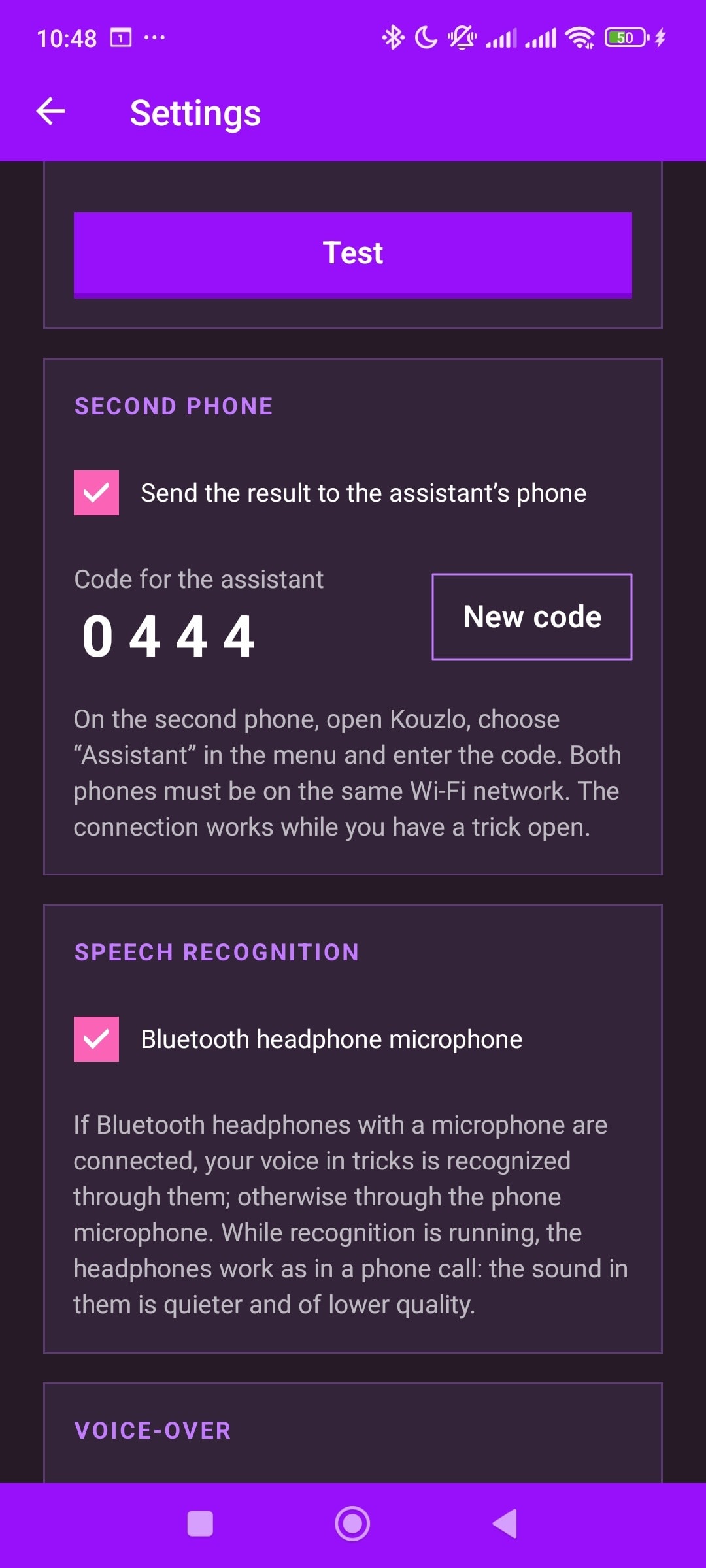
On the home screen, tap “⋯” → “Settings” and in the “Second phone” section turn on “Send the result to the assistant’s phone”. A 4-digit code appears.
More details: see Basic app settings.
3Connecting the second phone
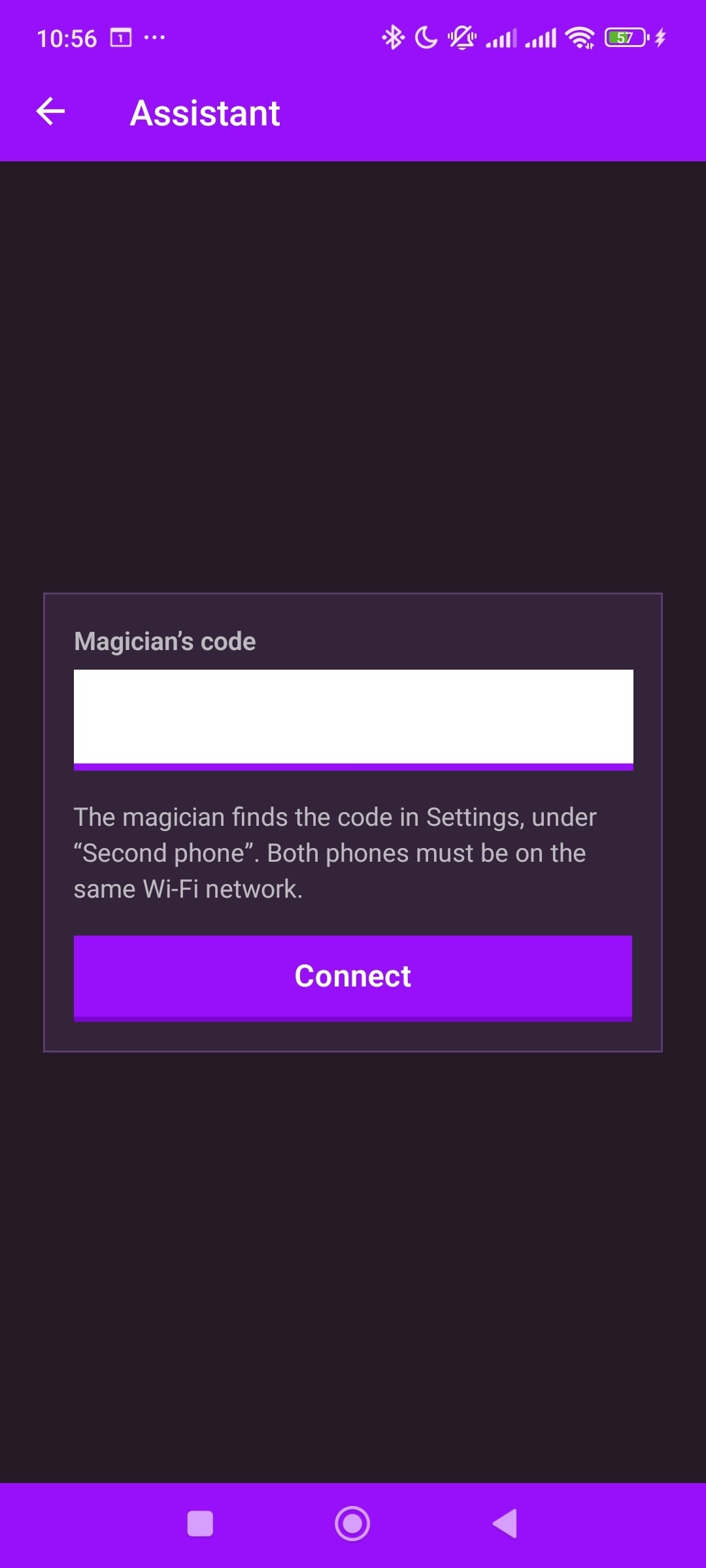
Open Kouzlo.app on the second phone. If you haven’t logged in, tap “Assistant mode”. If you have, tap “⋯” in the top right corner of the home screen and choose “Assistant”.
Enter the code from your phone’s settings in the “Magician’s code” field and tap “Connect”.
The code is remembered, so next time you don’t need to enter it. To enter a different one, tap “Change code”.
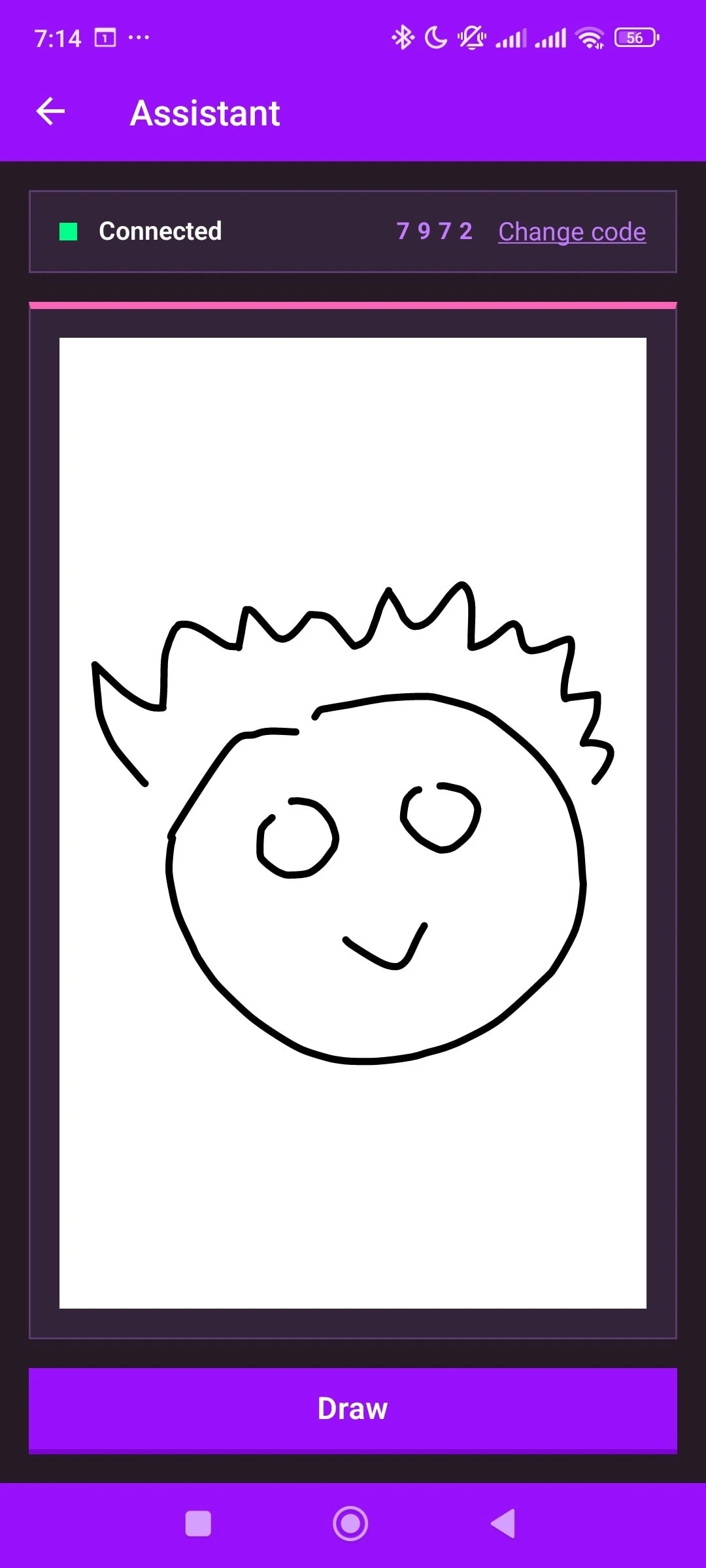
The top of the screen shows whether the phones are connected:
“Looking for the magician’s phone…”: no trick is open on your phone, or the phones are on different networks;
“Connecting…”: the phone has been found and is connecting;
“Connected”: everything is ready;
“Wrong code”: the code doesn’t match the one in your phone’s settings;
“No Wi-Fi connection”: the second phone isn’t connected to Wi-Fi.
The connection works while a trick is open on your phone. Open a trick, and the second phone connects by itself and shows the latest result.